Media Kits
Example of Media Kit: Section Teardown You Can Copy
A section-by-section teardown of a real media kit: the six questions a brand asks, and exactly what each block has to prove before they reply.
Key takeaways
- A media kit answers six brand-side questions in order: who you are, what your numbers say, who your followers are, what you charge, who you have worked with, and how to reach you.
- Brands weigh engagement rate and recent reach over raw follower count, so your stats block should show both plus average views from the last 30 days.
- Price each deliverable separately and list usage rights, whitelisting, and exclusivity as line items, since these are where most creators undercharge.
- Case studies beat logo grids: give three or four deals a problem-action-result block with two or three performance numbers each, redacting brands under NDA.
- Update your kit's stats monthly and keep it at one permanent URL your bio link points to, so a brand never opens a stale version.
A good example of media kit shows you one thing: which brand-side question each section answers. Below, a real kit is torn down section by section, so your stats block, demographics, rate card and past collaborations each prove something specific instead of filling a generic template.
What is a media kit and what is its purpose?
A media kit is a one-to-two page document that shows a brand who your audience is, what your content performs like, and what you charge. It answers the three questions every brand manager asks before replying to a DM: are your followers their buyers, do your numbers hold up, and can they afford you.
Brands ask for one because pitching by DM alone gives them nothing verifiable. A kit with screenshots straight from Instagram Insights or TikTok Analytics lets them check reach, demographics, and engagement without trusting your word.
If you are pitching from Google Docs today, a structured version on Kiit.me keeps stats, rate card, and past deals in one link you can send in seconds.
What is in a media kit: the core sections explained?
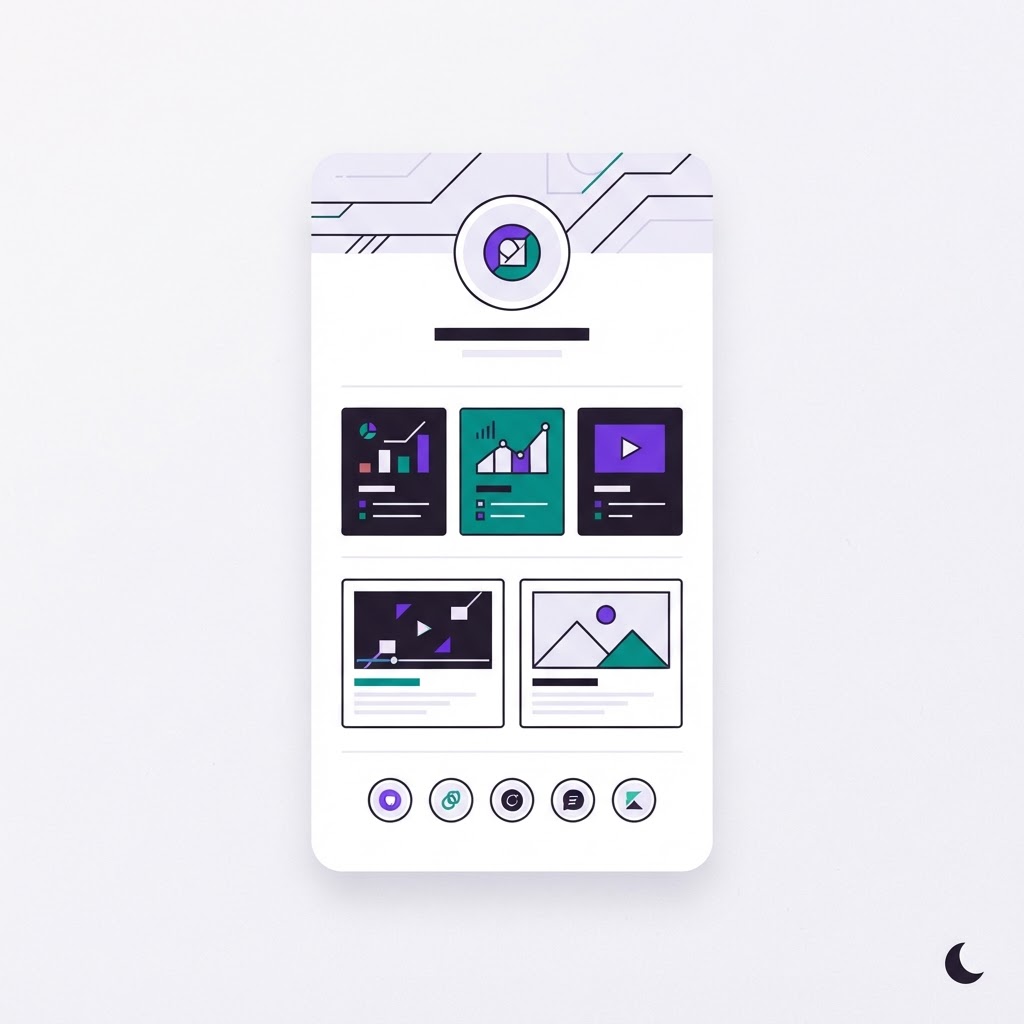
A media kit answers six brand-side questions in order: who you are, what your numbers say, who your followers are, what you charge, who you have worked with, and how to reach you. Below is the one-page anatomy, then the sections that follow tear each block down against the question a brand manager is silently asking.
The one-page anatomy at a glance
- Header + positioning — Who is this creator? Today: your Instagram bio.
- Stats block — Are the numbers real and current? Today: screenshots in your camera roll.
- Audience demographics — Do followers match our buyer? Today: guesswork.
- Rate card — What does a post cost? Today: negotiated from scratch in DMs.
- Past collaborations — Has anyone trusted you before? Today: scattered tagged posts.
- Contact + CTA — How do we book you? Today: buried in a DM thread.
If your kit is a Google Doc, every row above is a copy-paste job each time a brand asks. A structured builder like Kiit.me keeps the six blocks in one editable page you can update once and share everywhere. Beacons, Pillar, and CreatorsJet structure the same six sections, so whichever tool you use, the anatomy holds.
Stats block: which numbers do brands actually check?
The stats block answers one brand-side question: is this account worth paying, and is it worth paying what you're asking? Put it first, right after your name and photo, so a brand manager skimming 30 pitches sees it without scrolling.
Build the block the way a brand manager reads it. Lead with follower count and engagement rate side by side, because the ratio is what they compute mentally anyway. Add average views for your last thirty days of Reels or TikToks, since reach is the number that decides whether a post is worth the fee. Then layer in the proof points: a screenshot of your native analytics with the date visible, a one-line note on any anomaly such as a flagged period and how you recovered from it, and your audience location split in a single sentence.
Resist the urge to pad the block with every metric your analytics dashboard offers. A brand manager skimming thirty pitches gives your kit maybe twenty seconds, and six numbers they recognise beat twenty they have to interpret. If a number is weak, contextualise it in one line rather than omitting it, because omission reads as concealment.
Follower count vs engagement rate
Brands weigh engagement rate over raw followers, because a 40k account with a 5% engagement rate outperforms a 200k account at 0.8%. Show both, plus your average Reel or TikTok views from the last 30 days. If your reach has dipped from a flagged or shadowbanned period, say so and show recovery, rather than letting a stale screenshot imply you're hiding something. Not sure which formula to quote? Here is how to calculate your engagement rate so the number on your kit holds up in a pitch call.
Platform-specific stats to show
For Instagram: followers, engagement rate, average Reel views, Stories views, and audience location split. For TikTok: followers, average views per video, and watch-through if you have it. Builders like Beacons and Pillar auto-pull these numbers, and review coverage of media kit builders in the creator segment treats live-synced stats as the baseline expectation now, not a nice-to-have. Kiit.me does the same sync for Instagram and TikTok in Studio, though it currently shows fewer historical trend charts than some competitors, so export a screenshot if a brand asks for 90-day context.
Audience demographics: how do you prove your followers match the brand's buyer?
A brand reads your demographics to answer one question: does your audience overlap with their customer? Age, gender split, top countries and cities, and interest categories are the four blocks they scan. If a skincare brand's buyer is women 25-34 in the US and your kit says 60% men, 18-24, mostly Brazil, the pitch is dead before the rate card.
Where to pull demographic data
Screenshot the native analytics: Instagram's Insights audience tab and TikTok's Followers tab both show age ranges, gender, and top territories. Crop to show the handle or hide it, but keep the date visible so brands trust it's current. House the screenshots in your kit alongside your stats block; on Kiit.me the demographics section sits next to deal data in Deal Intel, so agencies you share the kit with see the same numbers you pitch from.
What to do when your niche skews unexpected
If your data surprises you, say so. A lifestyle creator whose audience turned out 70% men can reframe that as an advantage to supplement, grooming, or fitness brands instead of hiding it. Brands respect a creator who knows their roster's actual buyer; padding or deleting the slide reads as a red flag.
Rate card: how do you price and present your deliverables?
Deliverable-based pricing
Price each deliverable separately: one Reel, one Story set of three frames, one TikTok with usage rights, one static post. Brands self-qualify faster when they can see a single number per item instead of a "packages on request" wall. Anchor with a starting rate, then list add-ons (rush turnaround, extra revisions, whitelisting) as line items so a brand can build its own total. A rate card that says "Instagram Reel from $450" filters out buyers who cannot afford you before anyone wastes a DM.
Usage rights and exclusivity line items
Usage rights and exclusivity are where most creators undercharge, because they price the post and give away the license. List them as separate line items: paid usage per 30 days (typically a percentage of the base rate, illustrative, not a rule), whitelisting/Spark Ads, and category exclusivity per week. Put the rate card behind a protected link so it is not scraped or forwarded without context, and host it on your kit rather than a standalone PDF; see how that fits into your link in bio setup. Honestly, Kiit.me does not auto-calculate rates or benchmark your pricing against similar creators; it gives you a clean, shareable rate card inside your media kit, so the numbers still have to come from you.
Past collaborations: how do you show proof without oversharing?
Case studies beat logos. Instead of a grid of brand names, pick three or four deals and give each a short block: the brand, the deliverable, one performance number, and one line on what you did beyond the deliverable. A brand reading your media kit wants evidence you can hit a brief, so structure each entry as problem, action, result.
Metrics to include per campaign
Keep it to two or three numbers per deal: reach or views, saves or shares, and a link click or code redemption if you have it. Platform-native numbers like saves carry more weight than follower counts because they show the audience acted. Surveys of what brands prioritise in creator partnerships consistently put engagement and conversion signals above raw reach (Influencer Marketing Hub benchmark report).
Handling NDAs and confidential deals
If a contract stops you naming the brand, write "top-five US skincare brand" and still show the numbers, redacted if needed. Agencies and brand managers understand NDAs; an unexplained gap looks worse than an anonymised case study. Ask the brand for written permission before naming them in any kit you share publicly.
How does an influencer media kit differ from a press media kit?
A press kit sells a story to journalists: boilerplate, headshots, logos, past coverage. A creator media kit sells you to a brand's marketing team, so the content flips. Instead of press mentions, brands want your stats block, audience demographics, rate card, and proof of past brand deals, because their question is "will your followers buy this product?"
That difference changes format too. Press kits sit static on a newsroom page; creator kits live behind your link in bio, get updated after every campaign, and often travel as a PDF in a DM pitch. If your kit still reads like a press release, rework it around the numbers and deliverables a brand manager actually checks.
How do you start making a media kit from scratch?
Start with the sections brands ask about in order: stats block, audience demographics, rate card, past collaborations. Write the numbers first, because they determine what you can charge, then build the design around them. A first pass takes an afternoon if you already have screenshots of your insights and three campaign results.
Google Docs vs a dedicated media kit creator
A Google Doc works for your first pitch, and plenty of creators close deals with one. The trade-off is that a Doc goes stale the moment your follower count moves, and sending a file attachment makes you look like a beginner next to creators with a live link. Dedicated builders like Beacons, Pillar, or CreatorsJet update stats automatically and give brands a hosted page instead of a download. Kiit.me's media kit builder does the same and ties the kit to Protected Links, so the bio link pointing brands to your kit sits on infrastructure built to survive platform flags rather than a bare external URL. The honest caveat: if you pitch fewer than five brands a month, a Doc costs you nothing and a subscription is hard to justify.
Keeping the kit and your link in bio in sync
Whatever tool you pick, your media kit should live at one permanent URL that your bio link points to. Update the numbers monthly, not per pitch, so the version a brand opens is never the one you forgot to refresh.
What mistakes make a media kit look unprofessional?
Four errors get kits ignored. First, vanity stats: a follower count with no reach, saves, or story views tells a brand nothing about whether a post converts. Second, stale data: screenshots from six months ago signal your pipeline is as dead as your kit. Third, contact info buried in a footer: if a brand manager has to hunt for an email, they move to the next creator. Fourth, hiding your rate card behind "rates on request," which reads as "I'll make it up as we go."
A fifth, quieter one: sending a Google Docs link that looks like a shared grocery list. Whatever tool you use, the kit itself should look like something a brand would be proud to forward internally.
FAQ
Do I need a media kit if I have a link in bio already?
Yes, because they do different jobs. A link in bio routes people to your content; a media kit answers a brand manager's buying questions: audience fit, verified numbers, and pricing. If your bio link points to a hosted kit, you get both in one tap, which is the setup most builders assume.
How many pages should an influencer media kit be?
One to two pages. Everything a brand checks, stats, demographics, rate card, and three or four case studies, fits in that space, and managers skimming dozens of pitches rarely scroll further. If you need a third page, cut logos and generic bio copy rather than trimming a performance number.
Should I put my rates in my media kit or negotiate in DMs?
Put them in. A rate card with a starting number per deliverable, like "Reel from $450," filters out buyers who cannot afford you before anyone wastes a message. Negotiation still happens, but it starts from an anchor instead of a blank slate, and "rates on request" reads as improvising.
How often should I update my media kit stats?
Monthly, not per pitch. Update the numbers on a schedule so the version a brand opens is never a stale screenshot you forgot to refresh, and keep dates visible on any analytics screenshots so managers trust the data is current. Revisit your rate card after every closed deal, since each one reprices you.
Build your kit on Kiit
One media kit, one link, and brand deals tracked from first pitch to signed.
Get started